

Selling PDFs. Quiet Money, Real Work
Selling PDFs sounds almost too simple. You make a file once, upload it, and a stranger somewhere pays for it while you’re asleep. Some people really do build a steady side income this way. Plenty of others upload five files, hear nothing for two months, and quietly give up.
The difference usually isn’t talent. It comes down to choosing something people already want, making it well, and sticking around long enough for people to find the shop.
This guide is for anyone who wants to try selling PDFs without a big budget. PDF stands for Portable Document Format, which means a file that looks the same on every phone, tablet, and computer.
We’ll go through what sells in 2026, how to write or design it, where to list it, and the rules that get sellers banned. I won’t promise you a number, because nobody honestly can. What I can do is tell you what the evidence says and where beginners usually trip.
Why PDFs Still Sell
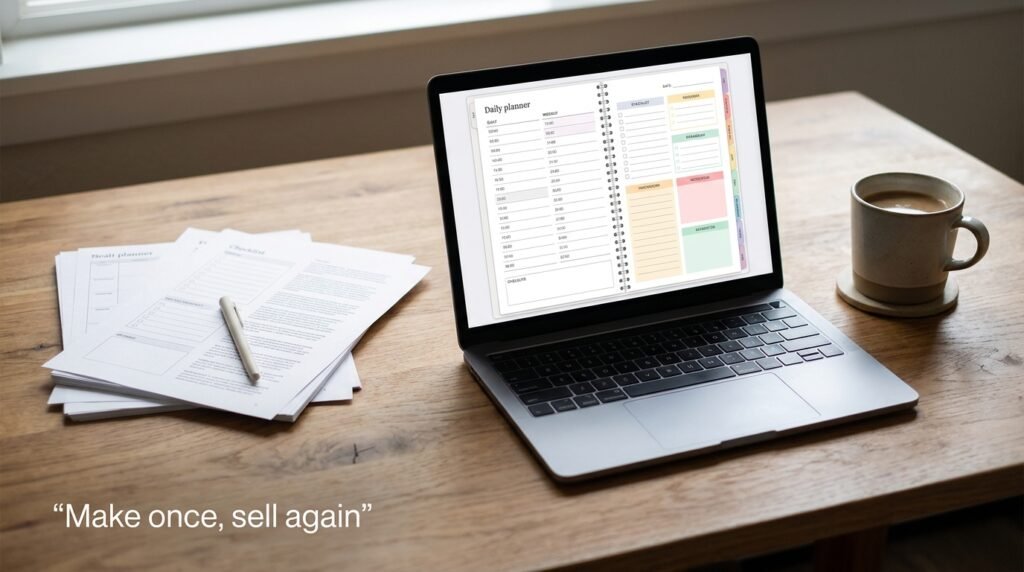
A PDF costs almost nothing to deliver. There’s no stock to hold, no shipping, and the buyer has the file seconds after paying. That’s the whole appeal. It’s also the whole problem, because anything easy to deliver is easy for a thousand other people to copy, so the market for selling PDFs is crowded.
Two things from 2026 research are worth knowing. A July 2026 look at Etsy listings by the tool company Listadum found digital planners and editable templates pulling in the strongest attention.
A separate 2026 guide on Etsy printables points out that plain, static PDFs are selling less than they used to, while editable versions that buyers can change themselves are selling more. It also says shoppers have become good at spotting content that looks like it came out of an AI (Artificial Intelligence) tool with nobody checking it.
Both sources sell tools or courses, so take their numbers as rough. The direction is still useful. People pay for files that save them time or make a task easier, and they walk away from anything that feels generic.
The PDFs People Actually Buy
Here’s a quick map of the main types. The competition column comes from that printables guide, so treat it as a rough guide and not a measurement.
| PDF type | Who buys it | Competition | Effort to make |
|---|---|---|---|
| Planners and trackers (budget, meal, study) | Busy individuals, students | High | Medium |
| Editable templates (resumes, spreadsheets, invoices) | Job seekers, small business owners | High | Medium |
| Checklists and cheat sheets | Professionals, hobbyists | Varies | Low |
| Workbooks and worksheets | Teachers, parents, coaches | Medium | Medium |
| Short guides and ebooks | Anyone learning a skill | Medium, depends on niche | Higher |
| Kids’ learning printables | Parents, teachers | Medium to high | Low to medium |
I couldn’t find solid demand numbers for checklists as a category on their own, so I’ve left that competition cell honest. They’re still worth making, since a good checklist is quick to build and easy to attach to a bigger product later.
Look at the competition column again. Planners are in demand, which is exactly why everybody makes them. A plain “budget planner” will drown. A budget planner for freelancers whose income changes every month has a chance, because the buyer feels like you made it for them.
That’s the rule I’d follow when selling PDFs: pick a person, pick their problem, then pick the format. A meal planner for people cooking for one. A resume template for nurses switching hospitals. A study tracker for people learning to code at night. None of these are magic ideas. They’re just specific.
As for pricing, one 2026 analysis found typical planners selling for about 5 to 12 dollars, resume templates near 9, spreadsheets around 9 to 10, and kids’ printables around 3 to 5. Those are averages from top listings, not what you’ll earn. Start in that range and adjust once real buyers react.
How to Find a Topic That Has Buyers

Don’t trust your gut alone when you’re selling PDFs. Your favorite idea might be one nobody searches for.
Open the search bar on Etsy, Google, or Pinterest and start typing your idea. The suggestions that pop up are things real people type. If your topic shows up there, somebody wants it. Then look at what’s already for sale.
A handful of listings with lots of reviews means there’s demand. If every top result has thousands of sales and a polished brand behind it, narrow your idea until you find a less crowded corner.
Read the reviews on those listings too. Buyers tell you exactly what they wish the product had. “I wish this had a monthly view” or “Too small to print” is a product brief handed to you for free.
Writing and Designing a PDF People Finish
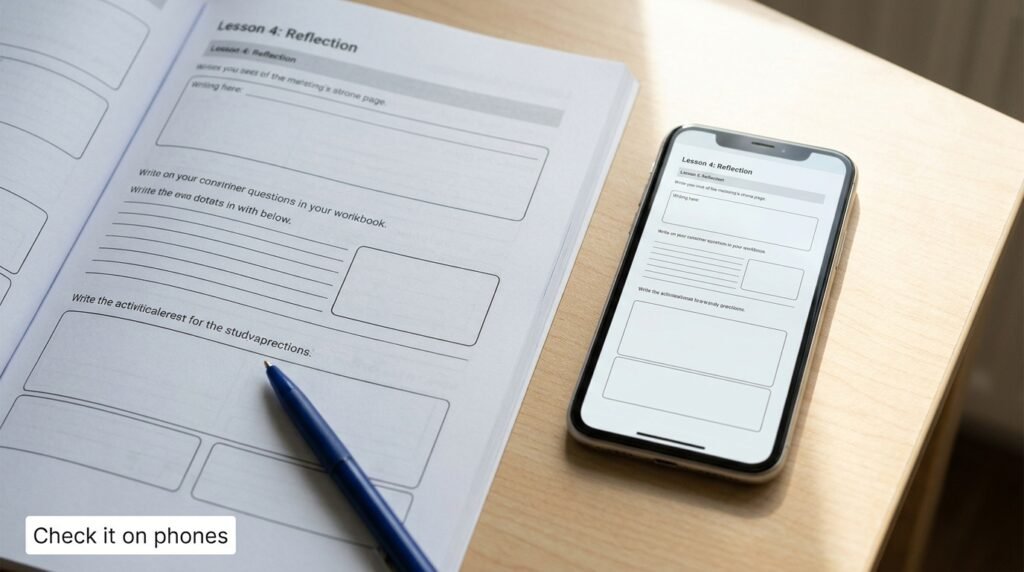
In selling PDFs, a file that gets used earns reviews. One that sits unopened earns refund requests, and eventually silence.
Keep it focused on one clear result. A twelve-page workbook that helps someone finish a task beats a ninety-page ebook that tries to cover everything. Write the way you’d explain it to a friend, give a real example on every page that needs one, and leave blank space where the buyer is meant to write or think.
Check every page on your phone, because a big share of buyers will open it there. Read it out loud once. You’ll hear the clumsy sentences your eyes skip.
For tools, you don’t need to spend anything to start. Canva’s free plan, Google Docs and Google Slides can all export a clean PDF, and so can the free office software on most computers.
If you use Canva, read its rules before you sell anything. According to Canva’s own help pages, you can sell original designs, including templates and ebooks, but you can’t resell a Canva element as it stands. Templates that contain only free content can be sold as PDFs.
Templates that include Pro content can only be shared as Canva template links, not as PDFs. Rules like these change, so check the current page before you publish. Now the AI question, since you’re probably wondering. Using a tool to brainstorm headings or tidy a rough draft is your call.
But the examples, the opinions, and the lived detail should come from you, because that’s what buyers can feel. Etsy’s rules also require you to say so in the listing description if AI was used; they want a human touch in what you sell, and they don’t allow AI prompt bundles. If you use AI, say it plainly. It’s cheaper than a suspended shop.
Where to Sell Your PDFs
You have three main routes, and none of them is perfect.
Etsy brings shoppers to you. That’s its big advantage when you have no audience. The trade-off is competition and fees. Based on a June 2026 breakdown of US rates, Etsy charges 20 cents per listing, a 6.5 percent transaction fee, and payment processing of around 3 percent plus 25 cents per order.
It can also add a further 12 to 15 percent when a sale comes through one of its Offsite Ads. Fees differ by country and change over time, so check Etsy’s own fee page before you do your sums.
Payhip and Gumroad are simpler stores where you handle the traffic yourself. Gumroad is reported to take about 10 percent of each sale on top of payment processing. Payhip has a free plan that takes a small cut per sale, with lower cuts on its paid plans.
Both change their pricing from time to time, so read their official pages. These work best when you already have people to send, like a YouTube channel, a blog, or an email list.
Your own website gives you the most control and the best margins. It also gives you no traffic on day one. I’d leave this for later, once you know what sells.
One more thing for readers outside the US and Europe. Payout options depend on the platform and on your country, and some countries aren’t supported by certain payment processors.
Check that you can actually get paid before you build a shop around a platform. If your country is limited, look for a platform with a payout method that works where you live.
My advice for selling PDFs is to pick one place and learn it properly. A shop on Etsy is a good start if your product is printable or template-based. If you’ve got an audience already, a Payhip or Gumroad store lets you keep more of every sale.
Getting Your First Sales

Be ready for slow. Most new shops go weeks before the first sale, and months before selling PDFs feels like real income. That isn’t a sign you’ve failed. It’s how search-based marketplaces work.
Write titles using the words buyers actually type, not clever names. Put the main thing first. “Budget Planner for Freelancers, Printable PDF” tells a shopper everything in a second. Make mockup images that show the product being used, not just a flat cover.
Say exactly what’s included, the file format, how to download it, and whether it’s meant for printing or for screens. A free sample page or a small free checklist helps more than you’d think. It earns trust, and if you collect emails for it, you start building a list nobody can take away from you.
Pinterest is worth your time for printables, since people search it for ideas and the pins keep sending traffic for months. When buyers like what they got, ask them for a review. Politely. Once.
From a Few Sales to Consistent Income
Here’s where selling PDFs turns from a hobby into something you can count on. One product rarely does it. Consistency comes from a small shelf of related products, each pulling in a few sales a month.
Once something sells, make more for the same buyer. A budget planner leads to an expense tracker, then a bundle of both. Planners with dates need updating every year, so a quick refresh gives you a new reason to promote. Bundles often sell better than single files because they look like better value.
Keep an eye on what’s working. If three products sell and two don’t, make more like the three and quietly retire the others. Hold off on paid ads until you have a product that already converts, because ads on a weak listing just burn money.
Rules That Protect Your Shop
This is the boring part, and it’s what keeps shops alive.
Don’t copy anybody’s work. Etsy’s rules say a digital download must be original content made by the seller, and they exclude a PDF of someone else’s work. Be careful with PLR (Private Label Rights) packs too. These are ready-made documents sold with rules about what you can do with them.
Some licenses let you edit and resell; some don’t, and many marketplaces won’t accept them as your own work. Read the license, keep a copy, and assume that anything you can’t edit heavily into your own product isn’t safe to list.
Follow the platform’s AI disclosure rules. Respect Canva’s license and any font or image licenses. Keep records of what you bought and what you earned, because income from selling PDFs is usually taxable where you live. This isn’t legal or tax advice, so check with a professional in your country.
Your First 30 Days
In week one, pick one person and one problem, and look at what’s already selling. In week two, build the first version of the PDF and test it on your phone. In week three, write the listing, make the mockups, and publish.
In week four, make a second small product and share both where your buyers hang out. That’s it. You won’t be done, but you’ll have a real shop with real products, which is more than most people who just think about it ever get.
Frequently Asked Questions
Can you earn consistent income from selling PDFs? Some sellers do, but there’s no guarantee. Income tends to come from several related products, good listings, and patience, not from one lucky file.
How much does it cost to start? Very little. Free design tools and free accounts are enough. Your main costs are time and, on some platforms, small listing and sales fees.
Do I need a website? No. You can start on a marketplace like Etsy or a simple store like Payhip or Gumroad and build your own site later.
What’s the best PDF to start with? Pick something you can finish in a week, like a checklist, a tracker or a short workbook, aimed at one specific group of people.
Is it okay to use AI to make my PDFs? Platforms allow it in different ways, and Etsy requires you to say so in the listing. Treat AI as a helper and put your own knowledge and examples in the product.
Can I sell PLR files? Only if the license clearly allows it and the platform accepts it. Etsy wants digital items to be your own original work, so PLR packs often won’t fit there.
How long until the first sale? It varies a lot. Plan for weeks, sometimes months. Better listings and a narrower niche usually shorten the wait.
Do I pay tax on what I earn? In most places, yes. Keep records of your sales and expenses, and ask a local professional how it works for you.
Conclusion
Selling PDFs isn’t a shortcut, and anybody telling you it is has something to sell you. It’s a small business where the product is cheap to make, and the real work is choosing the right problem, making something useful, and being patient while the shop gets found.
Start narrow. Make one good thing. Build the next one for the same buyer. Read the rules before you publish, not after you’re banned.
If you’ve been thinking about it for a while, this week is a good time to stop thinking. Pick the person, pick the problem, and make your first page.

Chimezie Duru is a Lagos-based Digital Entrepreneur, Wikipedia Editor & Biography Writer, Affiliate Marketing Strategist, IT Consultant, and Blogging Coach with over 6 years of experience building and monetizing blogs in Nigeria’s digital space. He is the founder of InkRise Academy (InkRise Digital Concepts) and creator of the Ink To Income Masterclass. A 9-module blogging course for aspiring Nigerian & African writers and bloggers covering SEO, content strategy, and monetisation.
As the creator of AffiliatePlog.com, Chimezie writes from real experience on Wikipedia editing & biography writing, affiliate marketing, online earnings, and digital tools for Nigerian freelancers and content creators. He also works as a freelance Business and Data Analyst, IT Consultant & System Administrator, bringing an analytical edge to every content and business decision.